Category: Uncategorised

5 steps to designing a usability test that gives you actionable insights 

by Cascade Waddell, Product Operations Analyst, ICT

Usability testing is the process of testing your product with customers to uncover key insights into user goals, behaviours, and pain points, offering a deeper understanding of how real users interact with your product.

It’s important for product teams to test their products qualitatively and quantitatively to see how a user interacts with a product, so you make product decisions based on facts rather than feelings.

The benefits of usability testing:

  • Helps product teams understand real user needs and pain points, leading to solutions that truly meet their needs.
  • It allows you to identify and resolve issues early, ensuring a smoother and more intuitive experience for users.
  • Provides actionable insights and data to guide design and development choices.
  • Encourages iterative development, keeping your product aligned with evolving user needs.
  • Offers concrete findings to support discussions and secure buy-in from stakeholders.

How to design a usability test

Step 1 – Creating the test

Define the test goal and ensure it aligns with your product, company, and organisation goals. Choose a prototype or existing website to test. Prepare a test script you can use to ensure you have a structure with around 4 tasks.

Step 2 – Recruit your participants

Find 5-8 participants you want to test with. Offering a reward such as gift vouchers can incentivise people to participate in the test. Start recruiting early and expect some cancellations. Build a pool of users you can rely on.

Step 3 – Plan sessions

Plan for a 60-minute session overall. A good format to follow is:

  • 10-minute introduction
  • 40 minutes of tasks for participants to complete
  • 10-minute summary and feedback session.

It’s important to keep an eye on the time to ensure there is sufficient time to summarise at the end.

Step 4 – Conduct the test

Before you start, ask for the test to be recorded.  Explain the purpose of the test, encouraging thinking aloud. Guide the participants through the tasks and observe.  Feel free to ask follow-up questions where necessary, but active listening is the most important skill you need to demonstrate during the test. Ask them how the test went after you’ve finished to improve for next time.

Step 5 – Analyse the data

Use an AI tool to analyse the transcript of the test looking for said pain points, mental models, positives, and negatives. Create a report with the key findings to be used to inform product leaders. This data will ultimately be used to inform the product roadmap.

Conclusion 

Usability testing is a vital step in creating products that truly meet user needs. By following these steps ensures that you are creating products based on evidence rather than on gut feel. 

Further reading

Usability (User) Testing 101 – NN/G

Just Enough Research: Hall, Erika [Amazon.co.uk]

If you’re interested in finding out more about this and other UX-related areas, join Imperial’s Digital Products UX Community of Practice Teams site. Sessions are run on areas of interest to the community.
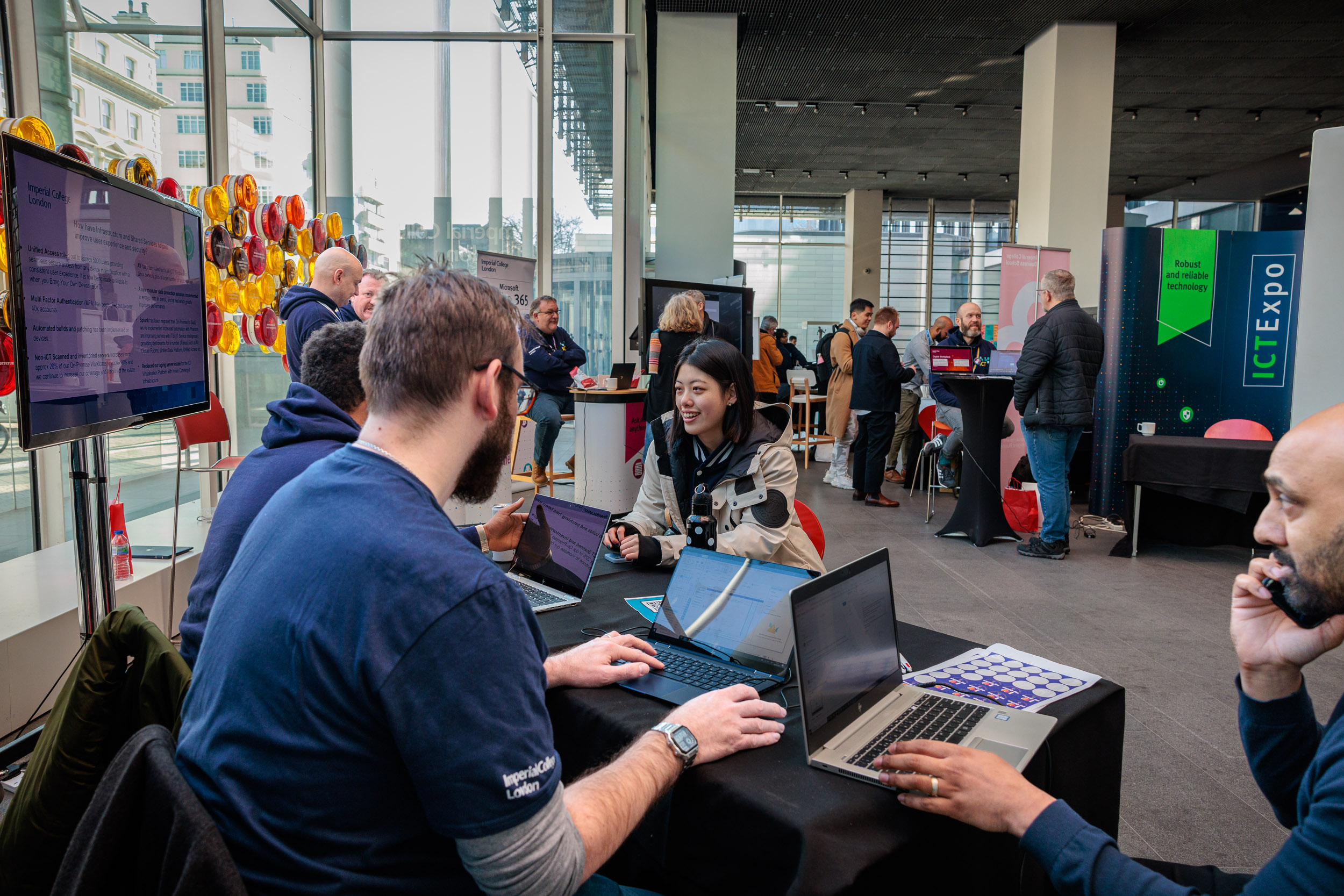
ICT Expo – from ‘Technophobe’ to ‘Tech’Xpert’ in 2 days!

ICT Expo servcie desk standOur ICT team came out from behind their laptops in Sherfield and went on the road with our first ever ICT Expo.
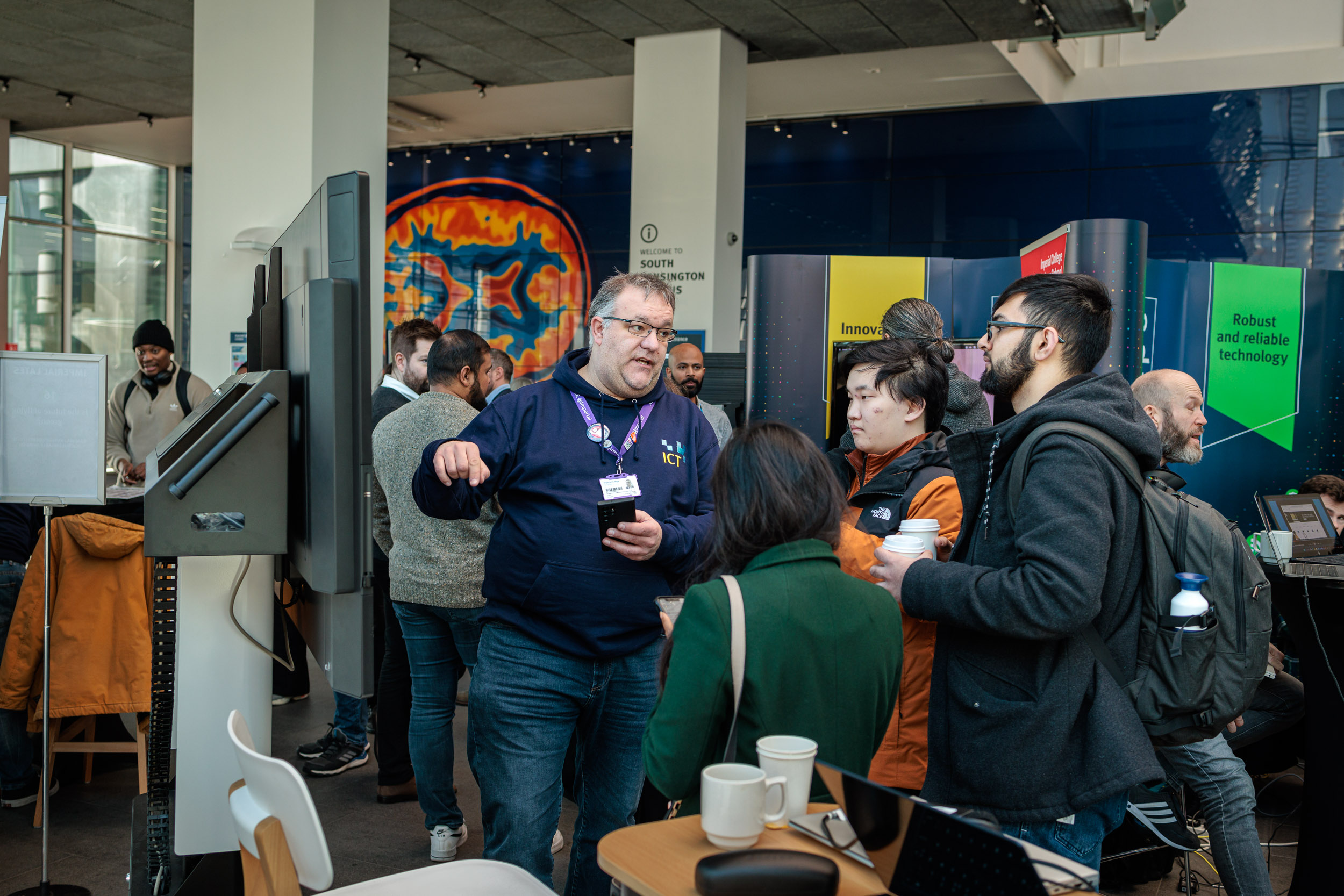
The ICT Expo took place on Tuesday 7 and Wednesday 8 February in the College Main Entrance at the South Kensington Campus.

The ICT Expo is a showcase of our support and products, and is a great space for collaboration and innovation enabling you to achieve your learning, teaching and research ambitions.

The two day event was a great way for the team to get talking to you – our customers, colleagues and our brilliant students.

It was really beneficial for our staff to talk to you about what you are trying to achieve and how we can support this, with many of our teams saying that had insightful chats that would impact the work we do.

We helped support many of you on the day, be that from our tech support at the Service Desk, or with Office 365 tips and tricks. We discussed digital accessibility, GDPR to High Performance Computing and data analytics. There were many opportunities to talk about the future of our current products, services, tools and apps with our Product Teams, tooling team, cyber security team and with Heads of Functions and the roaming CIO, Juan Villamil.

Phew, we talked so much my voice got hoarse!

Adrian Mannall, Office365 guru showcasing at the ICT Expo

Our Office 365 guru, Adrian Mannall, was very busy on the day training and supporting our staff and students.

Adrian really enjoyed the event, “The best thing about the day was the opportunities for staff and students to come and meet members of ICT and the Business School’s Ed Tech Team in person and to have a chat, ask questions and take away some answers. We got great feedback from attendees saying that they loved the fact they could come and ask lots of different parts of ICT about things that were either causing issues or for which they wanted a bit of a chat and they could do that all in one dedicated space.

“I covered everything from To Do lists for personal planning all the way to resolving SharePoint and OneDrive issues and confusion.” Adrian Mannall, Microsoft 365 SME, ICT

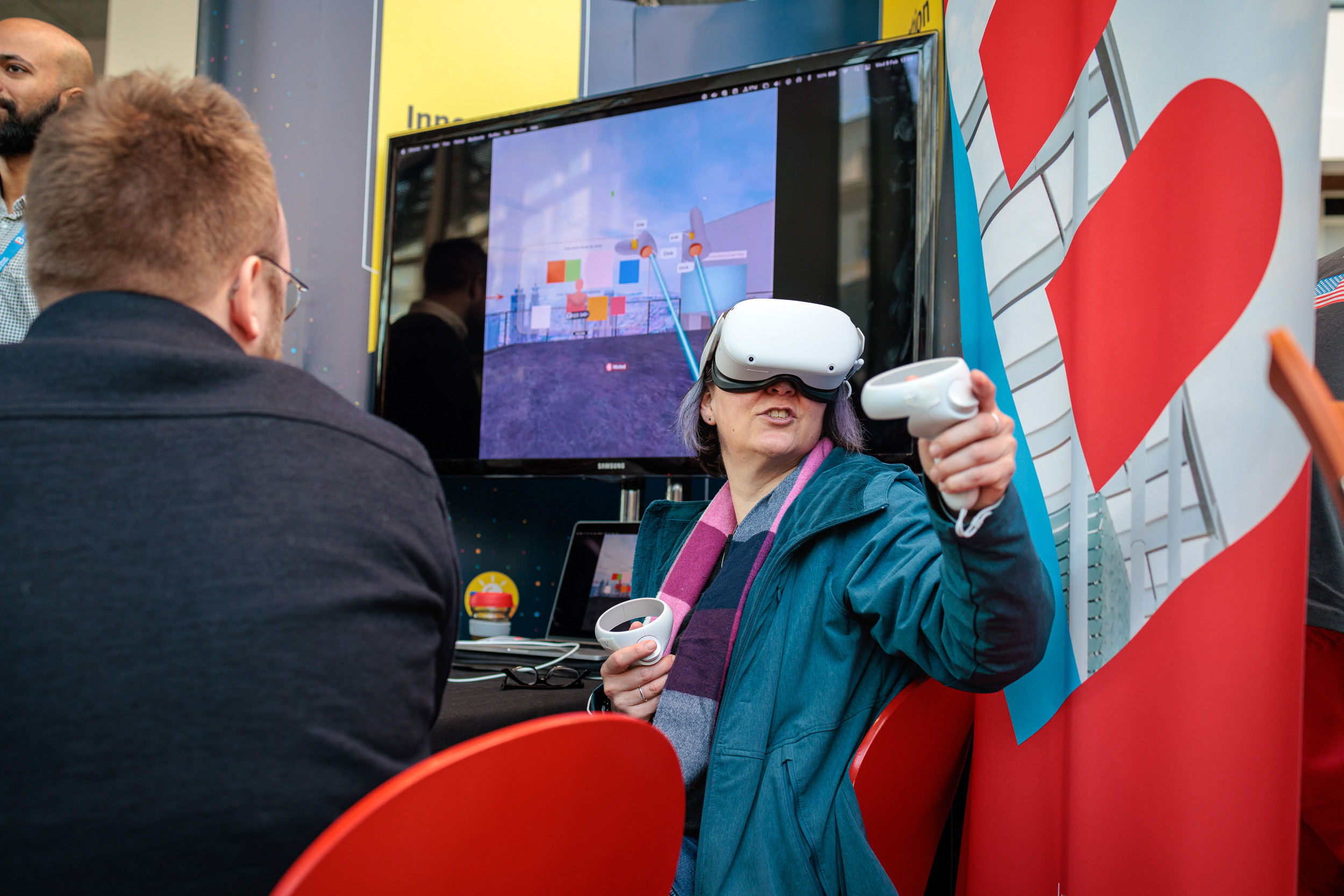
Staff member using VR headset

The Business School’s Ed Tech team Stephen Vaz, Senior Learning Technologist, Phil Tulip, Senior Online Developer and Joe Pollard, Senior Online Learning Designer were a special VIP guest team who came down with their Virtual Reality (VR) headsets and telepresence robot showcasing what the future of education may look like in the virtual classroom.

It was great to meet lots of students, faculty and professional services staff to try out VR and to see our robot. It also provided a great opportunity to meet other individuals and teams across the College who I may not have met otherwise. Joe Pollard, Senior Online Learning Designer, Business School

ICT Expo goers wanted to know how VR could be used in a business education context/wider education context. It was nice to speak to both those who were keen to see it used within their learning and those who were sceptical about its use case in a business education context.

Stephen said, “it was also useful to see how students responded to VR in action and to also hear their pros and cons of its use. It was a great opportunity to try out a new technology and get in front of students and some faculty members in person.

I spoke a lot to attendees about how VR would be used in education in future and they wondered when this would happen.”

It was a great showcase into the types of technology being used now in the College and what the future might hold. Stephen Vaz, Senior Learning Technologist, Business School

What did you think?

It was great to hear your feedback on our products, services and roadmap’s for the future.

Our customers said “ I liked being able to talk to someone in person about IT issues I have been having”

What did you think? We would love to hear your feedback on the event so please do complete this survey.

“It was really well organised and fun, with lots of engaging materials.” Anonymous

Future Expos

We ran another Expo in May – watch our roundup video:


The ICT Comms team were also on hand at the event to welcome guests and to hand out exclusive fun badges that indicated if you were a self-confessed technophobe or a savvy tech’xpert.

Don’t worry if you missed out on a badge or the Expo event, we will be coming to a Faculty near you very soon.IT Savvy #ICTExpo

We intend to take the ICT Expo on the road to other campuses very soon, and to create smaller fringe and online events throughout the year.

Watch this virtual and physical space ?


Nothing casual about our work ethic!

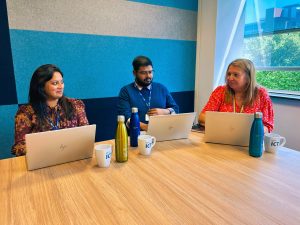
Deepthi Alex, Darshan Vigneswara and Michele BarrittICT collaborated with HR and departments to create a new and improved way of managing Imperial’s casual worker information to ensure an amazing user experience for students (often casual workers) from start to finish, as well as ensuring compliance with the law!
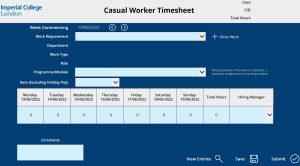
There was nothing casual about the way ICT worked together with HR to create this new and useful application.

Today I am interviewing ICTs Finance and HR Product Line team – Michele, Darshan and Deepthi who have been nominated for the President’s Award for Excellence for their work on the new Casual Worker app.

What is the new Casual Worker system and what does it do?

Michele – “The system brings casual worker management online, all data in one place. More importantly it monitors compliance as workers are restricted by the hours, they can work based on right to work and visa categories. The College audit had raised a risk that we were not compliant in managing our casual workforce and we had to address this.”

What impact does this improvement have on our staff and students?

Casual worker timesheet app

Michele –  “It improves the process, moving away from documents and spreadsheets to a more secure system, therefore it further improves the security of our data. It improves our legal compliance and monitoring. HR has greater control on approvals for payroll.

As well as this, Management Information can be generated from the apps via Power BI reports and thus HR have much improved information and understanding of our Casual Worker workforce.”

How did you collaborate with the users to achieve the best solution?

Deepthi – “As well as show and tells the team came together as a single product team which allowed us to make business driven decisions and designs. Our Agile ways of working meant that we could deliver business value with each sprint cycle leading to an mvp and its iterations according to business needs.”

What was the best thing about working on this activity?

Michele: “Seeing the product live and making a positive impact on this process for the business and casual workers themselves. Building new working relationships working in partnership with HR.”

Darshan – “Partnering with HR and Change Management through new ways of working to deliver the Casual Worker App successfully.”

Darshan – “Casual Worker App was one of the first enterprise IT solutions delivered using the Power platform which has given us a better understanding of the overall platform which will guide us in future developments.”

What was the most challenging thing about the work?

Michele – “Agreeing the MVP (minimum viable product) and sticking to it.”

Deepthi – “It was the first time that the product line was using Power platform along with complex business rules which resulted in a steep learning curve. However, this has helped us understand the path to adopting new technology.”

Why has your work been nominated for the Presidents Award for Excellence?

Michele – “I believe it was because the teams hard work and dedication over the last year to build and deploy this product that benefits the whole college community from Hr to the students experience!”

How does it feel to be recognised / nominated?

Michele – “Fabulous ? Glad our work has been recognised.”

What are you working on next?

Michele – “We just completed the roll out this month and we are now an the ‘early life’ support stage. We then need to compile a product roadmap and agree as a team how and when we enhance the product.

(more…)